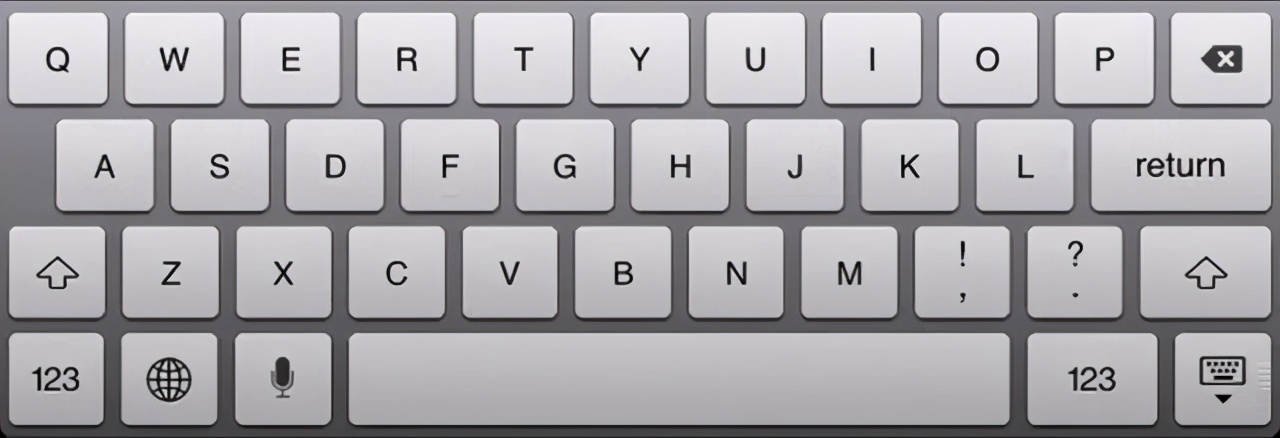
1.System.Windows.Forms.SendKeys 使用 SendKeys 将键击和组合键击发送到活动应用程序。此类无法实例化。若要发送一个键击给某个类并立即继续程序流,请使用 Send。若要等待键击启动的任何进程,请使用 SendWait。 每个键都由一个或多个字符表示。若要指定单个键盘字符,请使用该字符本身。例如,若要表示字母 A,请将字符串“A”传递给方法。若要表示多个字符,请将各个附加字符追加到它之前的字符的后面。若要表示字母 A、B 和 C,请将参数指定为“ABC”。 加号 (+)、插入符号 (^)、百分号 (%)、波浪号 (~) 以及圆括号 ( ) 对 SendKeys 具有特殊含义。若要指定这些字符中的某个字符,请将其放在大括号 ({}) 内。例如,若要指定加号,请使用“{+}”。若要指定大括号字符,请使用“{{}”和“{}}”。中括号 ([ ]) 对 SendKeys 没有特殊含义, 但必须将它们放在大括号内。在其他应用程序中,中括号具有特殊含义,此含义可能会在发生动态数据交换 (DDE) 时起重要作用。 模拟按键:B private void button1_Click(object sender, EventArgs e){textBox1.Focus();SendKeys.Send("{B}");}模拟组合键:CTRL +B private void button1_Click(object sender, EventArgs e){textBox1.Focus();SendKeys.Send("^{B}");}2.keybd_event DLL引用[DllImport("user32.dll", EntryPoint = "keybd_event", SetLastError = true)]public static extern void keybd_event(Keys bVk, byte bScan, uint dwFlags, uint dwExtraInfo);模拟按键:B private void button1_Click(object sender, EventArgs e){textBox1.Focus();keybd_event(Keys.B, 0, 0, 0);}
3.PostMessage 上面两种方式都是全局范围呢,现在介绍如何对单个窗口进行模拟按键 模拟按键:A / 两次 [DllImport("user32.dll", EntryPoint = " ostMessageA", SetLastError = true)]public static extern int PostMessage(IntPtr hWnd, int Msg, Keys wParam, int lParam);private void button1_Click(object sender, EventArgs e){textBox1.Focus()ostMessage(textBox1.Handle, 256, Keys.A, 2);} ostMessageA", SetLastError = true)]public static extern int PostMessage(IntPtr hWnd, int Msg, Keys wParam, int lParam);private void button1_Click(object sender, EventArgs e){textBox1.Focus()ostMessage(textBox1.Handle, 256, Keys.A, 2);}
| 
 /1
/1 
 |手机版|免责声明|本站介绍|工控课堂
( 沪ICP备20008691号-1 )
|手机版|免责声明|本站介绍|工控课堂
( 沪ICP备20008691号-1 )

 发表于 2021-5-8 19:10:06
 提升卡
提升卡 置顶卡
置顶卡 照妖镜
照妖镜 发表于 2021-5-9 07:48:13