【导读】整理电脑资料发现的一篇文章,是关于WINCC 通过VBS脚本进行串口通讯的文档,分享给大家。 

(一)打开端口(1)代码图片 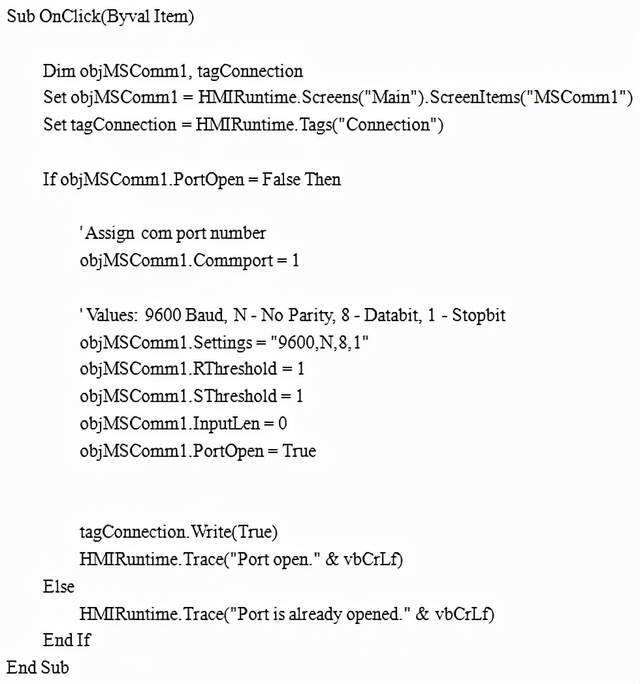
(2)VBS代码 Sub OnClick(Byval Item)
DimobjMSComm1, tagConnection SetobjMSComm1 = HMIRuntime.Screens("Main").ScreenItems("MSComm1") SettagConnection = HMIRuntime.Tags("Connection")
IfobjMSComm1.PortOpen = False Then
'Assign com port number objMSComm1.Commport= 1
'Values: 9600 Baud, N - No Parity, 8 - Databit, 1 - Stopbit objMSComm1.Settings= "9600,N,8,1" objMSComm1.RThreshold= 1 objMSComm1.SThreshold= 1 objMSComm1.InputLen= 0 objMSComm1.PortOpen= True
tagConnection.Write(True) HMIRuntime.Trace("Portopen." & vbCrLf) Else HMIRuntime.Trace("Portis already opened." & vbCrLf) EndIf End Sub (二)读Buffer(1)代码图片 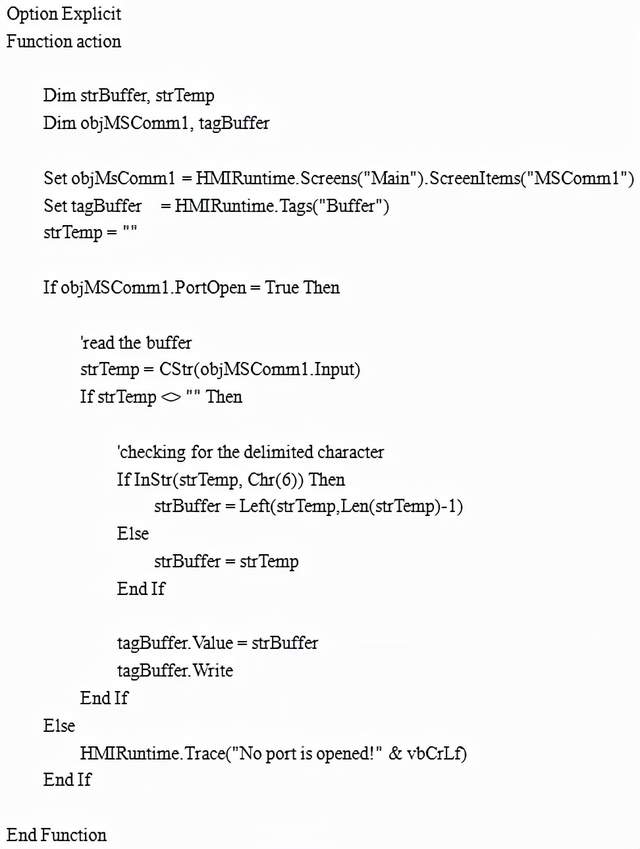
(2)VBS代码 Option Explicit Function action
DimstrBuffer, strTemp DimobjMSComm1, tagBuffer
SetobjMsComm1 = HMIRuntime.Screens("Main").ScreenItems("MSComm1") SettagBuffer =HMIRuntime.Tags("Buffer") strTemp= ""
IfobjMSComm1.PortOpen = True Then
'readthe buffer strTemp= CStr(objMSComm1.Input) IfstrTemp <> "" Then
'checkingfor the delimited character IfInStr(strTemp, Chr(6)) Then strBuffer= Left(strTemp,Len(strTemp)-1) Else strBuffer= strTemp EndIf
tagBuffer.Value= strBuffer tagBuffer.Write EndIf Else HMIRuntime.Trace("Noport is opened!" & vbCrLf) EndIf
End Function (三)发送数据(1)代码图片 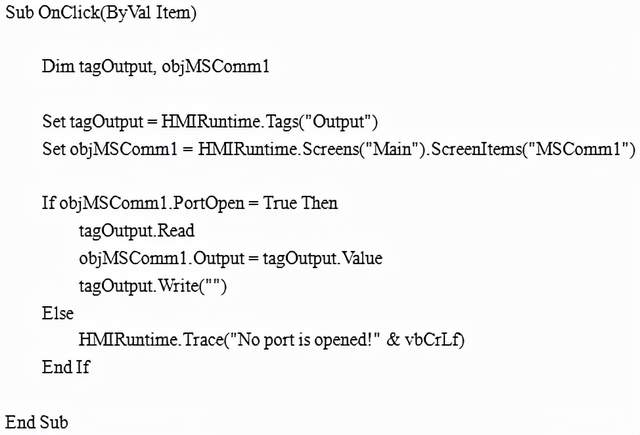
(2)VBS代码 Sub OnClick(ByVal Item) DimtagOutput, objMSComm1
SettagOutput = HMIRuntime.Tags("Output") SetobjMSComm1 = HMIRuntime.Screens("Main").ScreenItems("MSComm1")
IfobjMSComm1.PortOpen = True Then tagOutput.Read objMSComm1.Output= tagOutput.Value tagOutput.Write("") Else HMIRuntime.Trace("Noport is opened!" & vbCrLf) EndIf
End Sub (四)关闭端口(1)代码图片 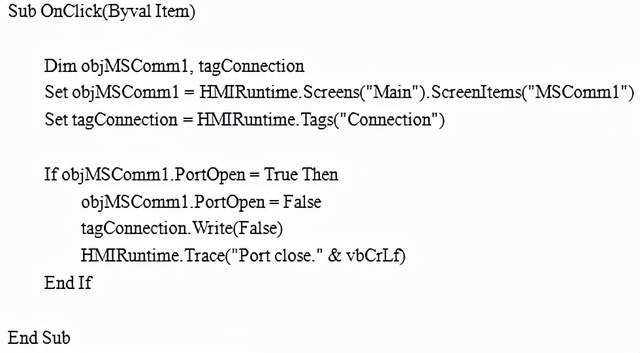
(2)VBS代码 Sub OnClick(Byval Item)
DimobjMSComm1, tagConnection SetobjMSComm1 = HMIRuntime.Screens("Main").ScreenItems("MSComm1") SettagConnection = HMIRuntime.Tags("Connection")
IfobjMSComm1.PortOpen = True Then objMSComm1.PortOpen= False tagConnection.Write(False) HMIRuntime.Trace("Portclose." & vbCrLf) EndIf
End Sub
| 
 /1
/1 
 |手机版|免责声明|本站介绍|工控课堂
( 沪ICP备20008691号-1 )
|手机版|免责声明|本站介绍|工控课堂
( 沪ICP备20008691号-1 )

 发表于 2021-10-5 11:39:18
 提升卡
提升卡 置顶卡
置顶卡 照妖镜
照妖镜 发表于 2021-10-5 11:39:18